Workspace
After you connect
Stripe returns you to the same organization page. You stay in Request Forms for the rest of the setup.
Screenshot placeholder
Open a connected organization. Capture the Stripe payments heading, the connected status, and Disconnect Stripe.
Replace this box: save a PNG at public/docs-screenshots/workspaces-stripe-connected.png
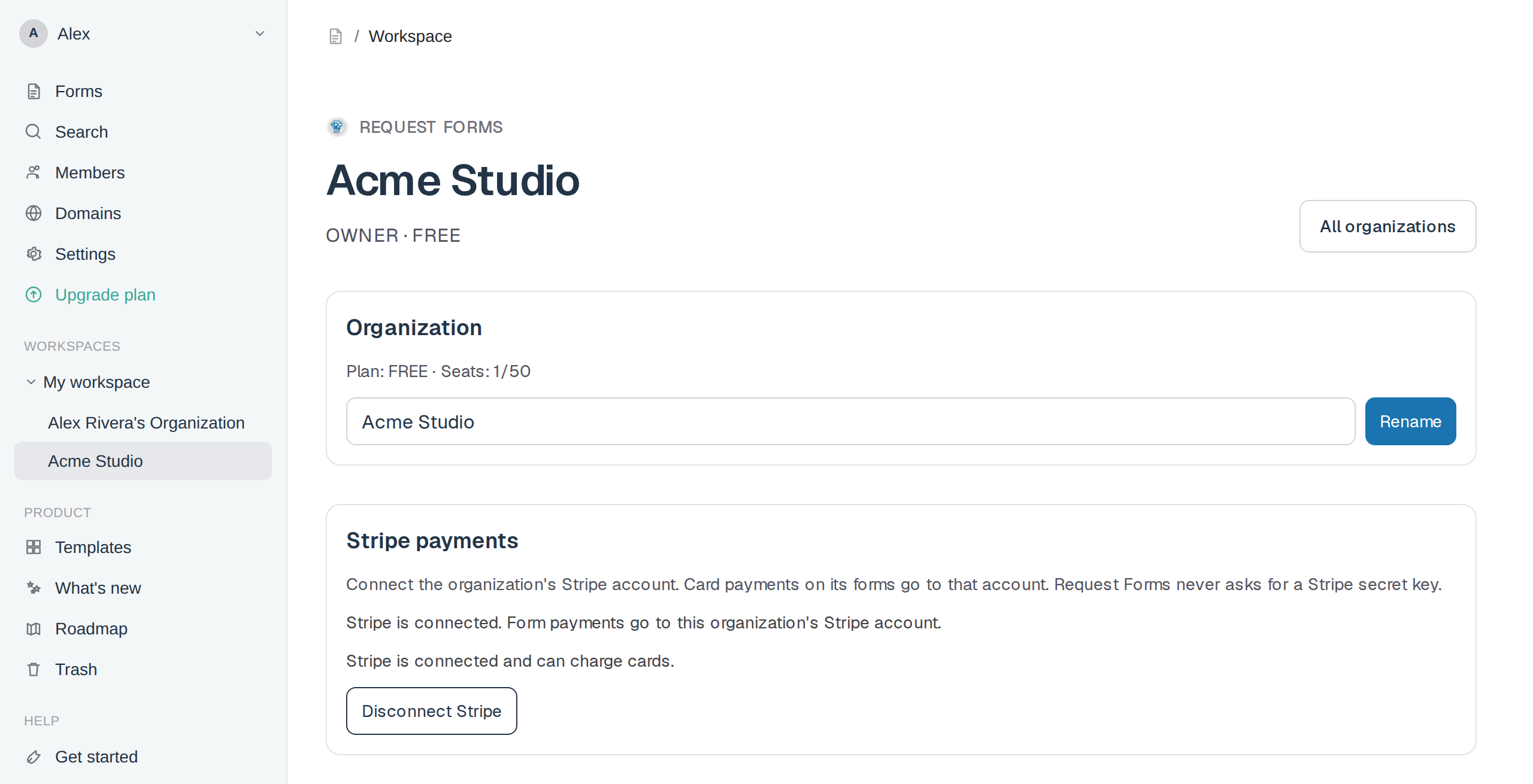
- Payment blocks on forms in this organization can charge cards.
- Money goes to the connected Stripe account. Refunds and payouts stay in that Stripe Dashboard.
- If Stripe still needs setup, click Finish Stripe setup.
- Click Disconnect Stripe to stop charges on this organization.
Screenshot placeholder
Open a connected organization that cannot charge yet. Capture Finish Stripe setup and Disconnect Stripe.
Replace this box: save a PNG at public/docs-screenshots/workspaces-stripe-setup.png
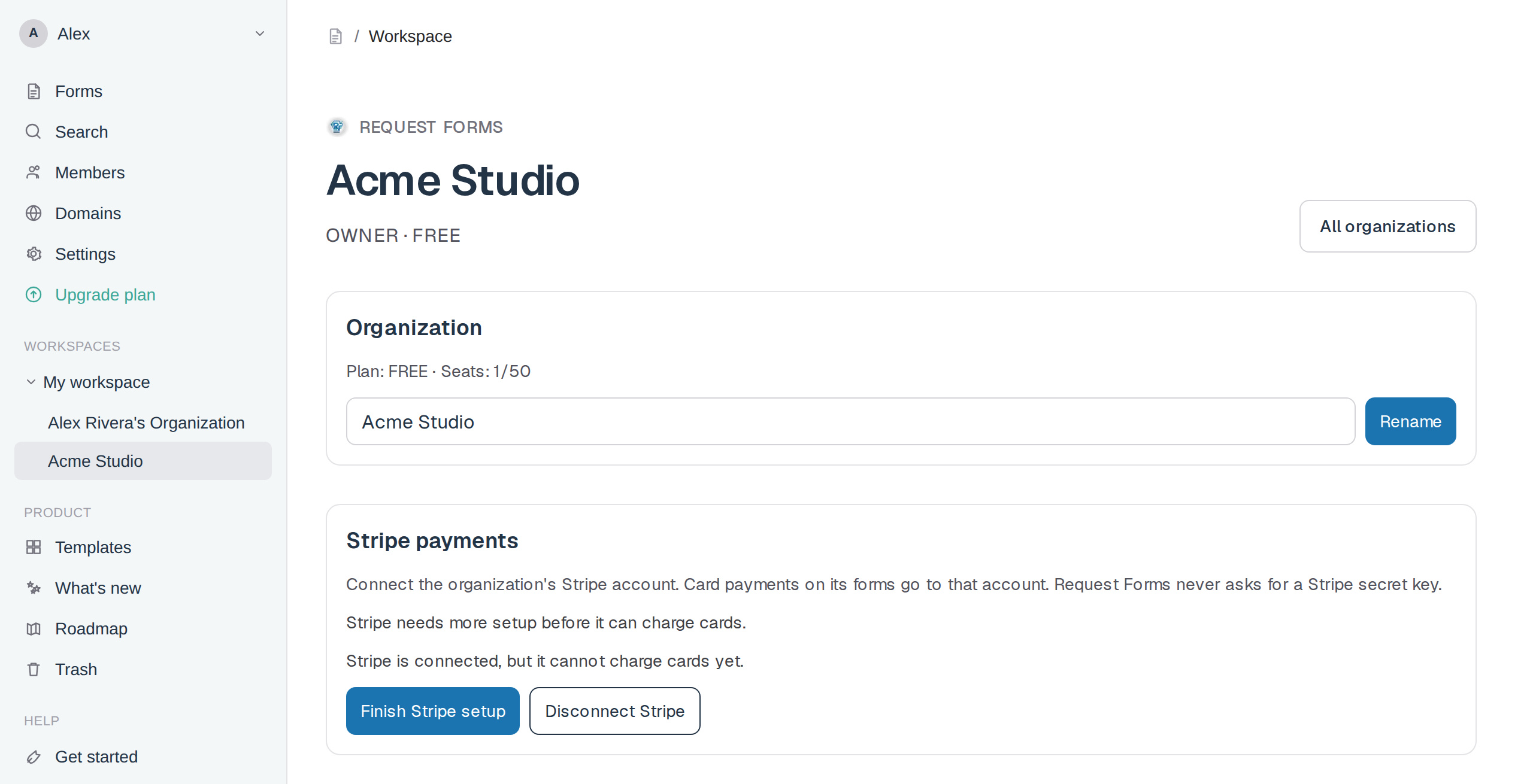
Then insert a Payment block, set the amount, and publish the form.