Blocks
Embed anything
Embed an allowed HTTPS page in a sandboxed iframe.
Embed anything shows another HTTPS page in a sandboxed iframe. Paste the page URL.
This is a block on the form. It is not the Share tab web component that puts your form on another site. See Embed forms for that snippet.
Screenshot placeholder
In the editor, insert Embed anything. Set the URL to https://example.com. Capture the URL field.
Replace this box: save a PNG at public/docs-screenshots/block-embed-anything.png

Use embed anything when you need a page inside the form, such as:
- A calendar widget that allows HTTPS embed.
- A help article the person should keep in view.
How to add one:
- Open the form editor and click
+ Insert block, or type/embed. - Pick
Embed anythingfrom the Media group. - Paste an HTTPS URL that allows iframe embed.
Screenshot placeholder
In the editor, open the insert dialog and filter to embed. Capture the Media group and the Embed anything row.
Replace this box: save a PNG at public/docs-screenshots/block-embed-anything-insert.png
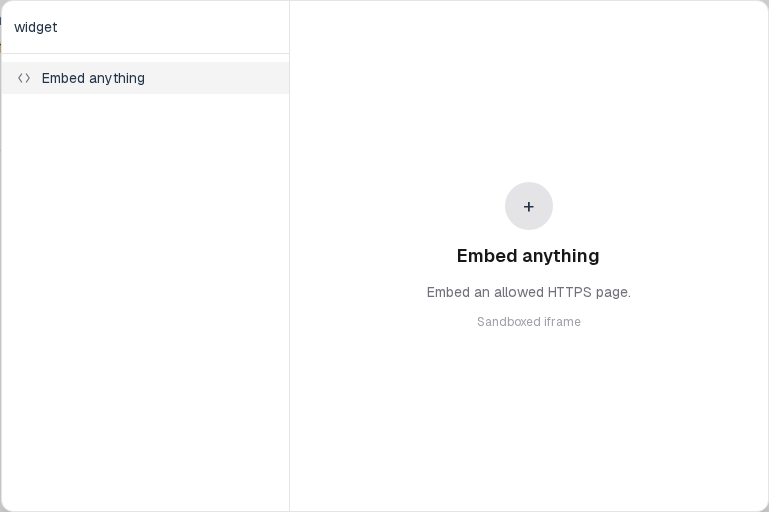
You will find this block in the Media group. See Question types for the full catalog.