Blocks
Heading 1
Add a large heading on the form.
Heading 1 is the largest heading. It is layout. Respondents do not answer it.
Screenshot placeholder
In the editor, insert Heading 1. Set the text to Vendor intake. Capture the large heading field.
Replace this box: save a PNG at public/docs-screenshots/block-heading-1.png

Use Heading 1 when you need a section title, such as:
- The name of the form section.
- A break before a new topic on the same page.
How to add one:
- Open the form editor and click
+ Insert block, or type/heading. - Pick
Heading 1from the Layout group. - Replace the default text. Pick Heading 1, not 2 or 3, if you want the largest size.
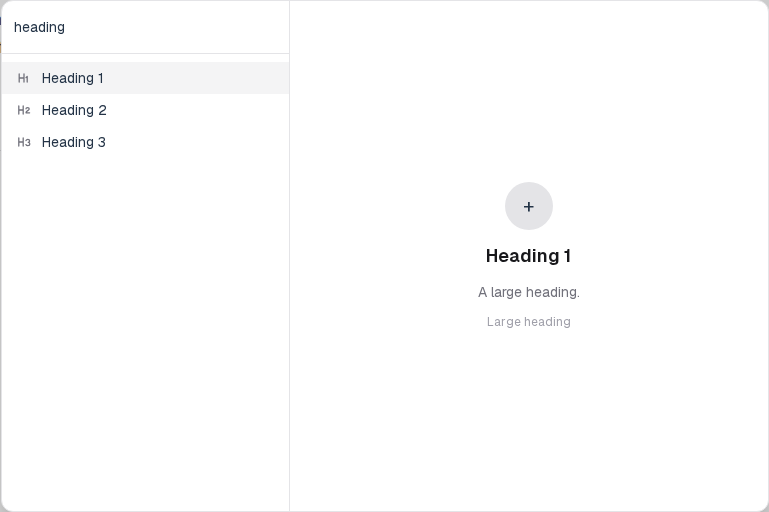
Screenshot placeholder
In the editor, open the insert dialog and filter to heading. Capture the Layout group and the Heading 1 row.
Replace this box: save a PNG at public/docs-screenshots/block-heading-1-insert.png
You will find this block in the Layout group. See Question types for the full catalog.