Blocks
Rating
Collect a whole-number score from 1 to a max you set.
A rating stores a whole number from 1 to max. A new block uses max 5.
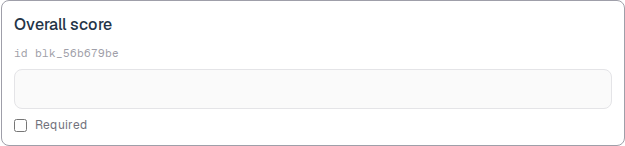
The catalog calls this a star rating. The public form is a number input with that range. The editor preview is an empty box.
Screenshot placeholder
In the editor, insert Rating. Set the label to Overall score. Capture the card, the id line, and the preview box.
Replace this box: save a PNG at public/docs-screenshots/block-rating.png
Use a rating when you need a 1 to N score, such as:
- Overall satisfaction from 1 to 5.
- A quality score you will average later.
How to add one:
- Open the form editor and click
+ Insert block, or type/rating. - Pick
Ratingfrom the Questions group. - Edit the label. Mark Required if a score is mandatory.
Screenshot placeholder
In the editor, open the insert dialog and filter to rating. Capture the Questions group and the Rating row.
Replace this box: save a PNG at public/docs-screenshots/block-rating-insert.png
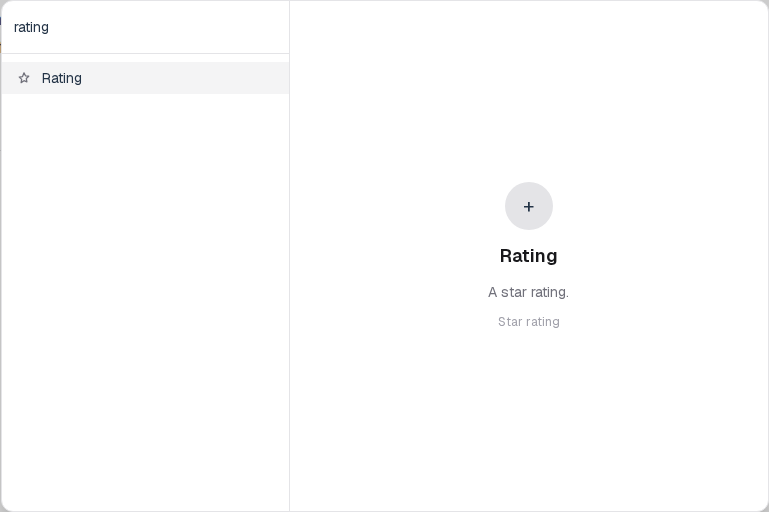
You will find this block in the Questions group. See Question types for the full catalog.