Blocks
Link
Show a clickable link with your own display text.
A link block is layout, not a question. Respondents do not type an answer. They see display text that opens the URL.
Set Link URL and Display text on the card. The public form only renders safe http or https hrefs.
Screenshot placeholder
In the editor, insert Link. Set the URL to https://requestforms.io and the display text to Visit Request Forms. Capture both fields.
Replace this box: save a PNG at public/docs-screenshots/block-link.png

Use a link when you want to send the person somewhere, such as:
- A policy, pricing, or help page.
- A booking calendar or file that lives off the form.
How to add one:
- Open the form editor and click
+ Insert block, or type/link. - Pick
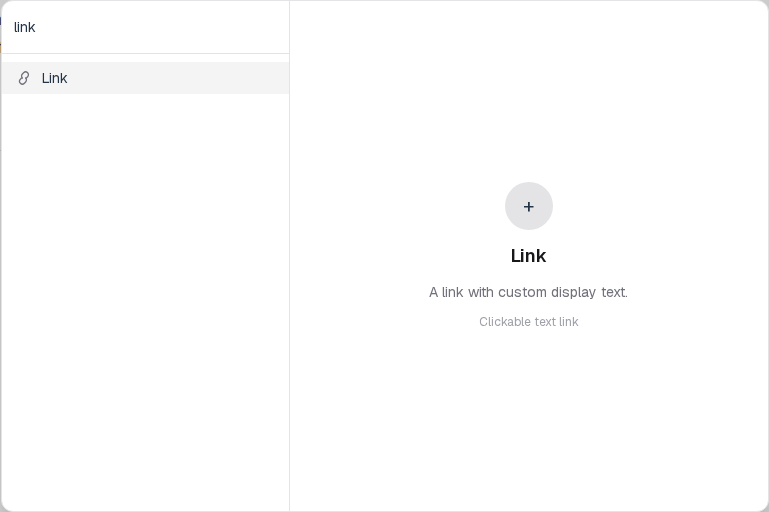
Linkfrom the Layout group. - Paste the URL. Edit the display text.
Screenshot placeholder
In the editor, open the insert dialog and filter to link. Capture the Layout group and the Link row.
Replace this box: save a PNG at public/docs-screenshots/block-link-insert.png
You will find this block in the Layout group. See Question types for the full catalog.