Blocks
Payments
Collect a Stripe card payment for a fixed amount.
A payment block charges a card with Stripe. You set the amount, currency, and product name. The person pays on the published form. Money goes to the organization's connected Stripe account.
The editor amount box is in major units. 25 means 2500 cents. Currency is a short code such as usd.
Screenshot placeholder
Insert a payment block. Set the label to Deposit, amount 25, currency usd. Capture amount, currency, and the id line.
Replace this box: save a PNG at public/docs-screenshots/payments-block.png

Use a payment when the form should take money, such as:
- A deposit or application fee.
- A fixed-price product.
How to add one:
- Open the form editor and click
+ Insert block, or type/payment. - Pick
Paymentfrom the Questions group. - Connect Stripe on the organization if it is not connected. See Stripe payments.
- Set the amount and currency. Edit the product name if you want a clearer charge description.
Screenshot placeholder
In the editor, open the insert dialog and filter to payment. Capture the Questions group and the Payment row.
Replace this box: save a PNG at public/docs-screenshots/block-payments-insert.png
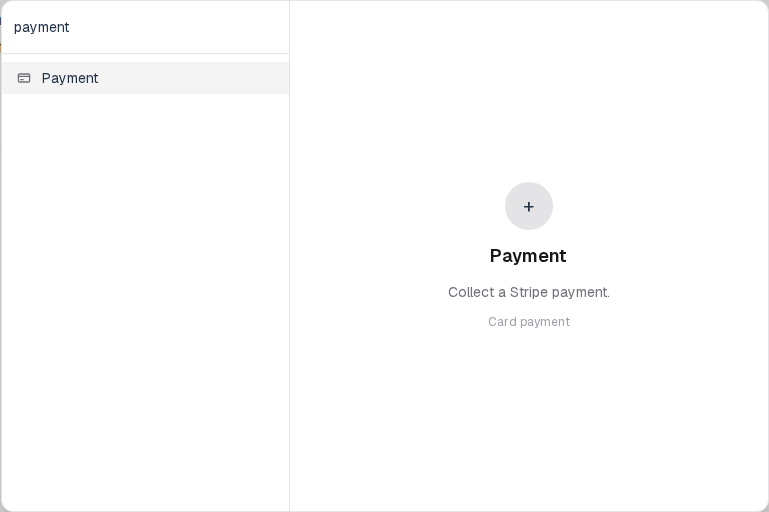
You will find this block in the Questions group. See Question types for the full catalog.