Blocks
Hidden fields
Store a URL parameter or a static value with each response.
A hidden field does not show on the form. It still saves with the response.
Set the source to URL param or Static. URL param reads a query string key. Static stores a fixed value on every submit.
Screenshot placeholder
Insert a hidden field. Set source to URL param and name it ref. Capture the block settings, not the public form.
Replace this box: save a PNG at public/docs-screenshots/hidden-field-settings.png

Use a hidden field when you already know a value, such as:
- A campaign or partner code on the link.
- A static source name that never changes.
How to add one:
- Open the form editor and click
+ Insert block, or type/hidden. - Pick
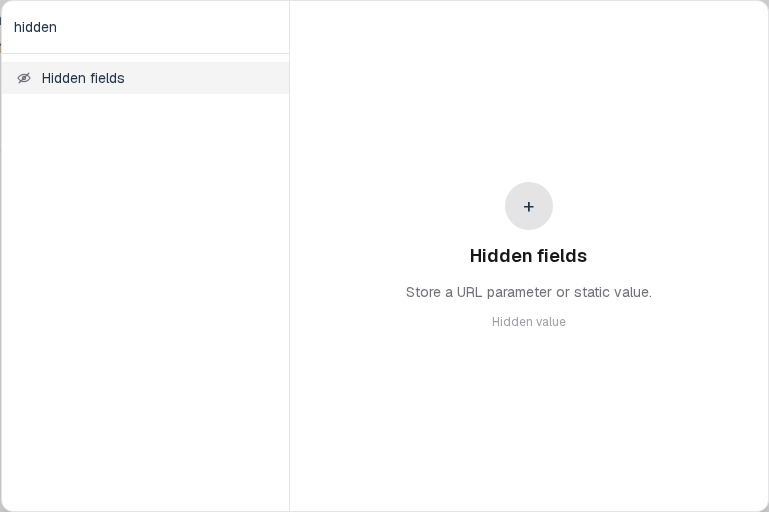
Hidden fieldsfrom the Advanced group. - Choose URL param or Static. For a link such as
/f/your-form-id?ref=newsletter, set the param toref.
Screenshot placeholder
In the editor, open the insert dialog and filter to hidden. Capture the Advanced group and the Hidden fields row.
Replace this box: save a PNG at public/docs-screenshots/block-hidden-fields-insert.png
/f/your-form-id?ref=newsletterThe form reads that value from the page URL, including when the form is embedded.
You will find this block in the Advanced group. See Question types for the full catalog.