Blocks
Video
Embed a YouTube or Vimeo video.
A video block embeds YouTube or Vimeo. Paste a normal watch URL. The public form shows a sandboxed iframe.
Screenshot placeholder
In the editor, insert Video. Keep or paste a YouTube HTTPS URL. Capture the URL field.
Replace this box: save a PNG at public/docs-screenshots/block-video.png

Use a video when the person should watch something first, such as:
- An intro or product demo.
- A required explainer before a signature.
How to add one:
- Open the form editor and click
+ Insert block, or type/video. - Pick
Videofrom the Media group. - Paste a YouTube or Vimeo HTTPS URL.
Screenshot placeholder
In the editor, open the insert dialog and filter to video. Capture the Media group and the Video row.
Replace this box: save a PNG at public/docs-screenshots/block-video-insert.png
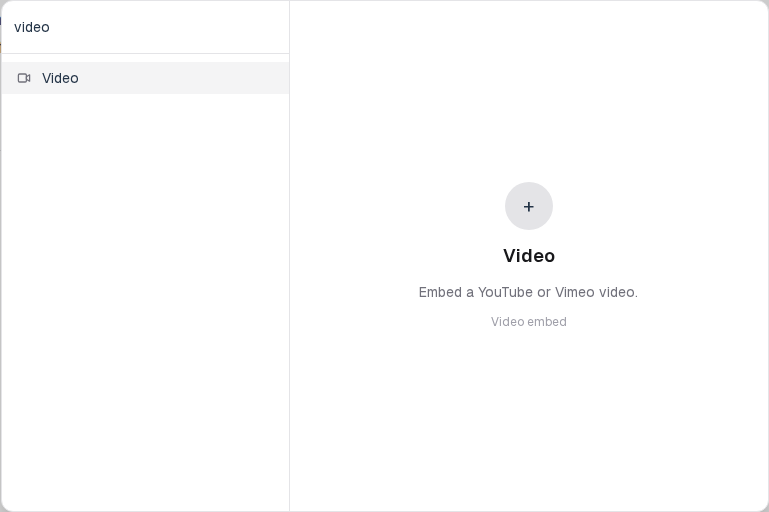
You will find this block in the Media group. See Question types for the full catalog.