Blocks
'Thank you' page
Show a completion screen after submit.
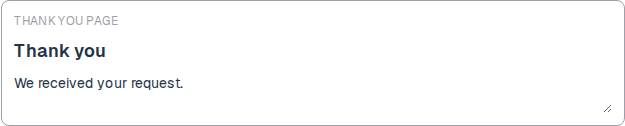
A thank-you block is the last screen after a successful submit. Set the title and the message.
If the form has no thank-you block, the public form still confirms the submit. This block lets you write that copy.
Screenshot placeholder
In the editor, insert Thank you page. Set the title to Thank you and the message to We received your request. Capture both fields.
Replace this box: save a PNG at public/docs-screenshots/block-thank-you.png
Use a thank-you page when you want your own closing copy, such as:
- A confirmation and a next step.
- A reminder that you will reply in one day.
How to add one:
- Open the form editor and click
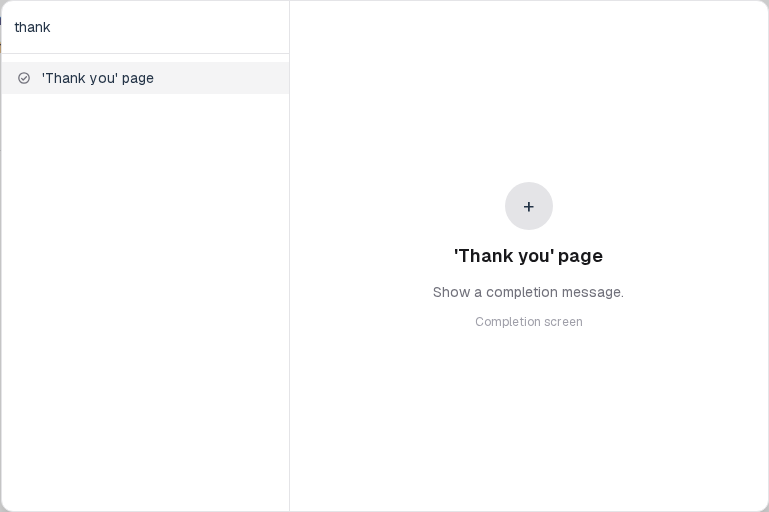
+ Insert block, or type/thank. - Pick
'Thank you' pagefrom the Layout group. - Edit the title and the message.
Screenshot placeholder
In the editor, open the insert dialog and filter to thank. Capture the Layout group and the Thank you page row.
Replace this box: save a PNG at public/docs-screenshots/block-thank-you-insert.png
You will find this block in the Layout group. See Question types for the full catalog.