Workspace
Connect Stripe
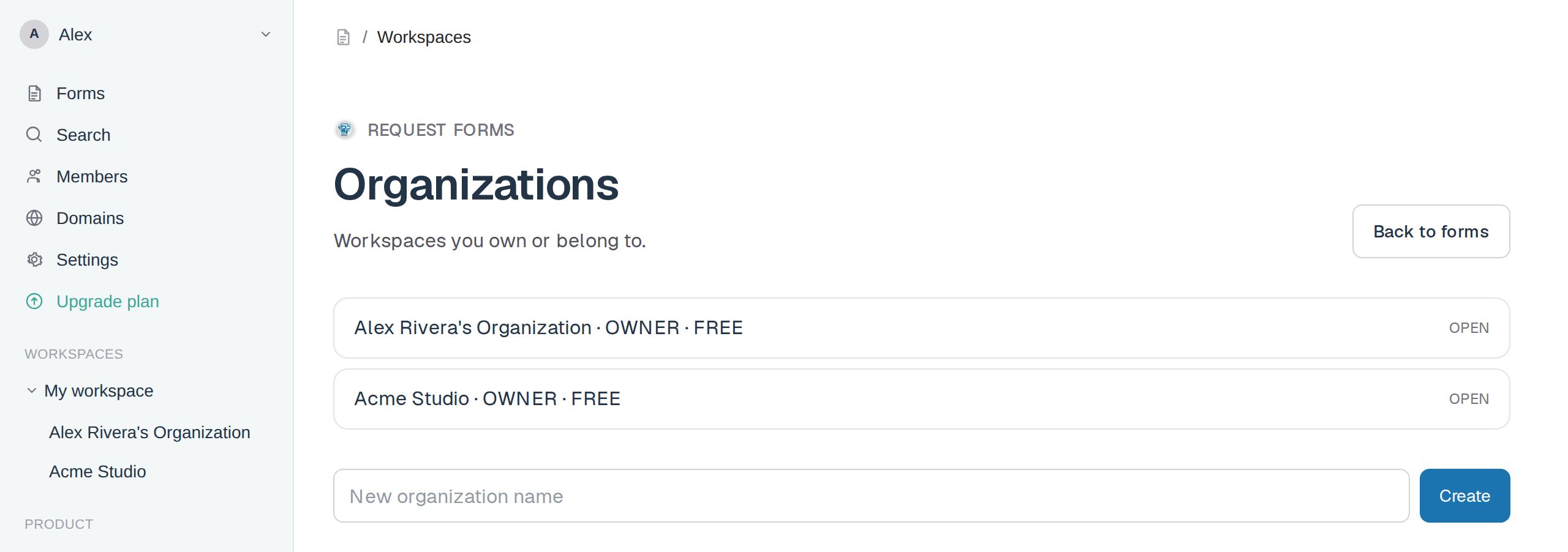
- Open Organizations and select the workspace.
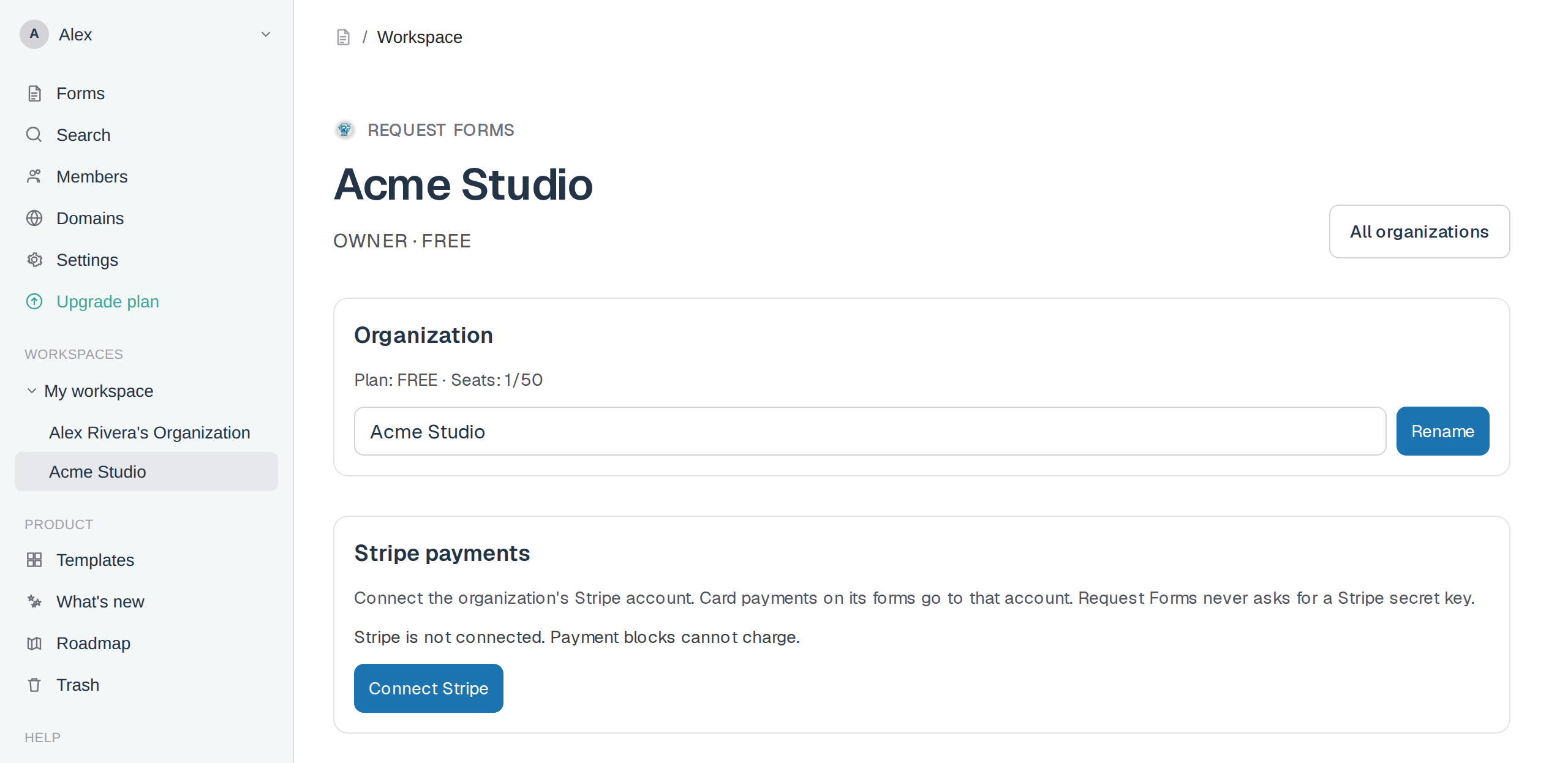
- Find the Stripe payments section.
- Click Connect Stripe.
- Sign in to Stripe and allow Request Forms to create charges on that account.
- Stripe sends you back to the organization page.
Screenshot placeholder
Sign in, open /app/organizations, and capture the workspace list plus the create field.
Replace this box: save a PNG at public/docs-screenshots/workspaces-stripe-orgs.png
Screenshot placeholder
Open an organization you own. Capture the Stripe payments heading and the Connect Stripe button.
Replace this box: save a PNG at public/docs-screenshots/workspaces-stripe-connect.png
Only owners and admins can connect or disconnect Stripe.