Blocks
Linear scale
Ask for a whole number on a range you set.
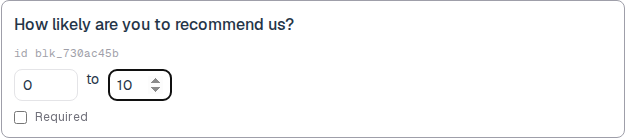
A linear scale asks for a whole number between min and max. A new block starts at 1 to 5. That is a default, not a cap.
On the public form, a span of 20 or less shows radio buttons. A wider span shows a number input.
Screenshot placeholder
In the editor, insert Linear scale. Set the label to How likely are you to recommend us? Change min to 0 and max to 10. Capture the card and both number boxes.
Replace this box: save a PNG at public/docs-screenshots/block-linear-scale.png
Use a linear scale when you need a numbered score, such as:
- NPS from 0 to 10.
- Agreement from 1 to 7.
- Any integer range you choose.
How to add one:
- Open the form editor and click
+ Insert block, or type/scale. - Pick
Linear scalefrom the Questions group. - Set min and max. Use 0 to 10, 1 to 10, or any other integer pair.
Screenshot placeholder
In the editor, open the insert dialog and filter to scale. Capture the Questions group and the Linear scale row.
Replace this box: save a PNG at public/docs-screenshots/block-linear-scale-insert.png
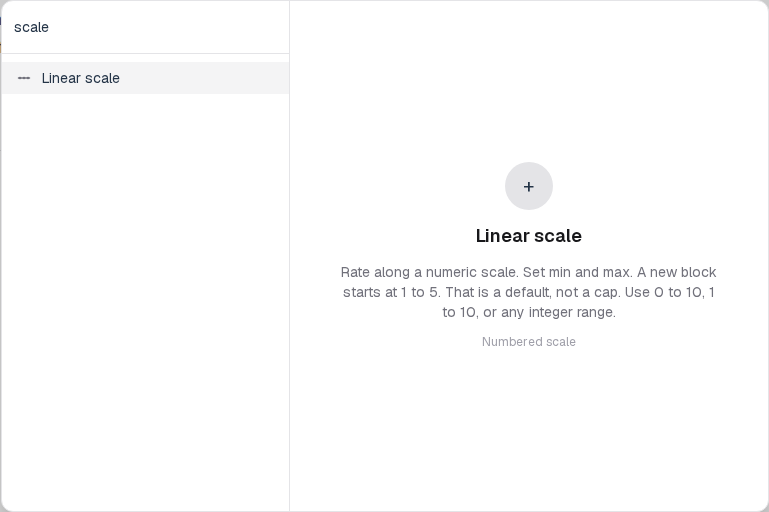
You will find this block in the Questions group. See Question types for the full catalog.