Blocks
Signatures
Collect a drawn signature with the response.
A signature block is a drawing pad. The answer is saved with the response.
The public form has a canvas and a Clear signature control. A blank pad is a missing answer.
Screenshot placeholder
In the editor, insert Signature. Set the label to Sign to confirm. Capture the card, the id line, and the preview box.
Replace this box: save a PNG at public/docs-screenshots/payments-signature.png

Use a signature when you need a mark, such as:
- An acknowledgement or simple agreement.
- A confirmation that the person saw the terms.
How to add one:
- Open the form editor and click
+ Insert block, or type/sign. - Pick
Signaturefrom the Questions group. - Edit the label. Mark Required if a signature is mandatory.
Screenshot placeholder
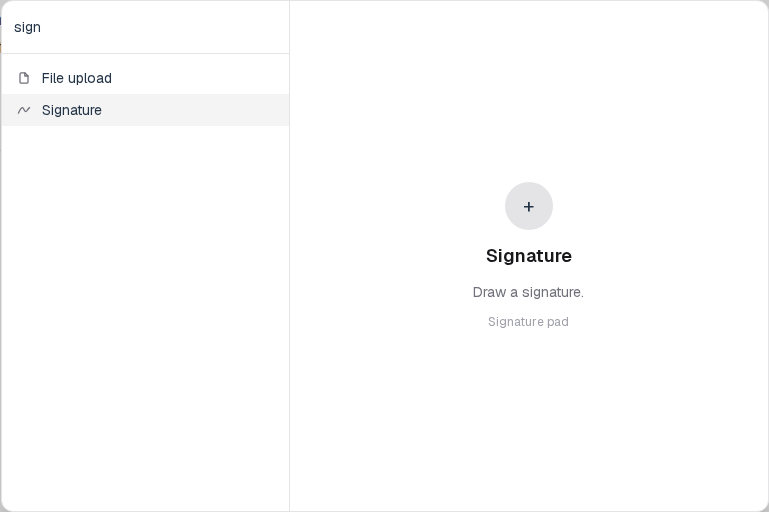
In the editor, open the insert dialog and filter to sign. Capture the Questions group and the Signature row.
Replace this box: save a PNG at public/docs-screenshots/block-signatures-insert.png
You will find this block in the Questions group. See Question types for the full catalog.