Blocks
Divider
Draw a horizontal line between blocks.
A divider is a horizontal rule. It has no text and no answer.
Screenshot placeholder
In the editor, insert Divider. Capture the card with the horizontal rule.
Replace this box: save a PNG at public/docs-screenshots/block-divider.png

Use a divider when you want a visual break, such as:
- Between two topics on the same page.
How to add one:
- Open the form editor and click
+ Insert block, or type/divider. - Pick
Dividerfrom the Layout group.
Screenshot placeholder
In the editor, open the insert dialog and filter to divider. Capture the Layout group and the Divider row.
Replace this box: save a PNG at public/docs-screenshots/block-divider-insert.png
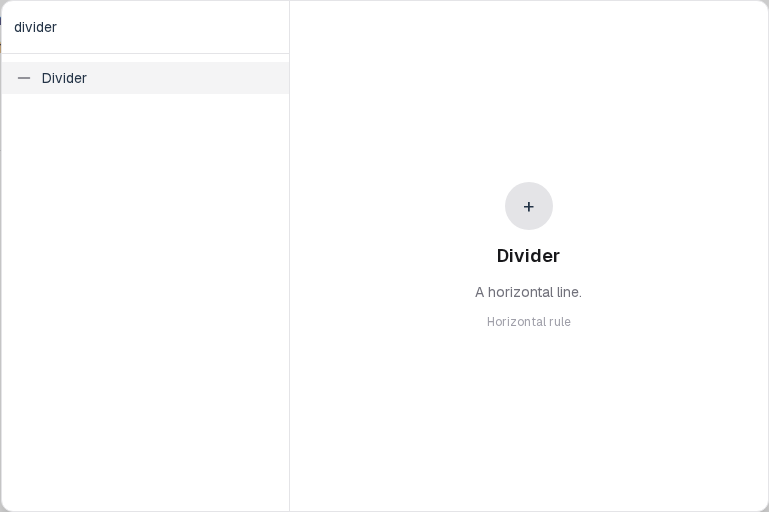
You will find this block in the Layout group. See Question types for the full catalog.