Blocks
reCAPTCHA
Require a Google reCAPTCHA check on submit.
A reCAPTCHA block runs Google reCAPTCHA on submit. The editor shows a short note. Respondents see the Google widget on the public form.
Screenshot placeholder
In the editor, insert reCAPTCHA. Capture the card text that says Google reCAPTCHA will run on submit.
Replace this box: save a PNG at public/docs-screenshots/block-recaptcha.png

Use reCAPTCHA when the math captcha is not enough, such as:
- A public form that attracts bots.
- A form that still gets bots after the built-in math captcha.
How to add one:
- Open the form editor and click
+ Insert block, or type/recaptcha. - Pick
reCAPTCHAfrom the Advanced group. - Leave the block on the form.
Screenshot placeholder
In the editor, open the insert dialog and filter to recaptcha. Capture the Advanced group and the reCAPTCHA row.
Replace this box: save a PNG at public/docs-screenshots/block-recaptcha-insert.png
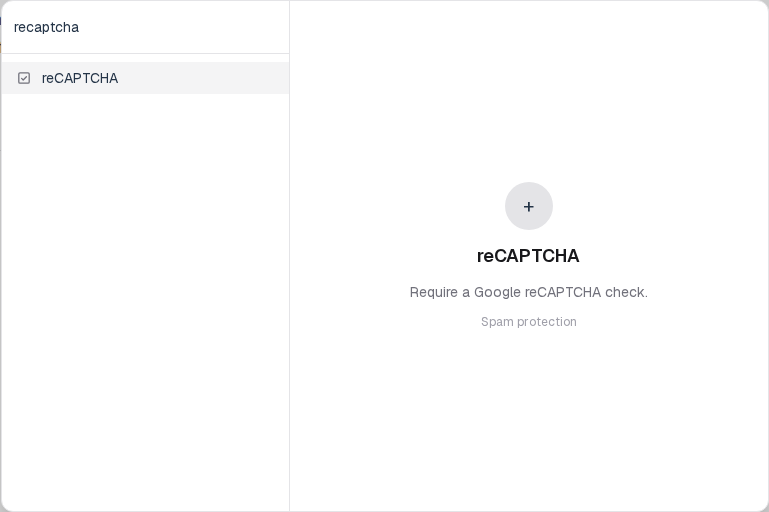
You will find this block in the Advanced group. See Question types for the full catalog.